KINDLE BOOK COVER LOCK SCREEN
Make Your Own Book Cover Your Kindle Lock Screen
Kindle already shows a book cover on your lock screen. It’s just usually not one you chose. CoverLock turns any photo, artwork, or design into that cover.
Create Your Book Cover Lock Screen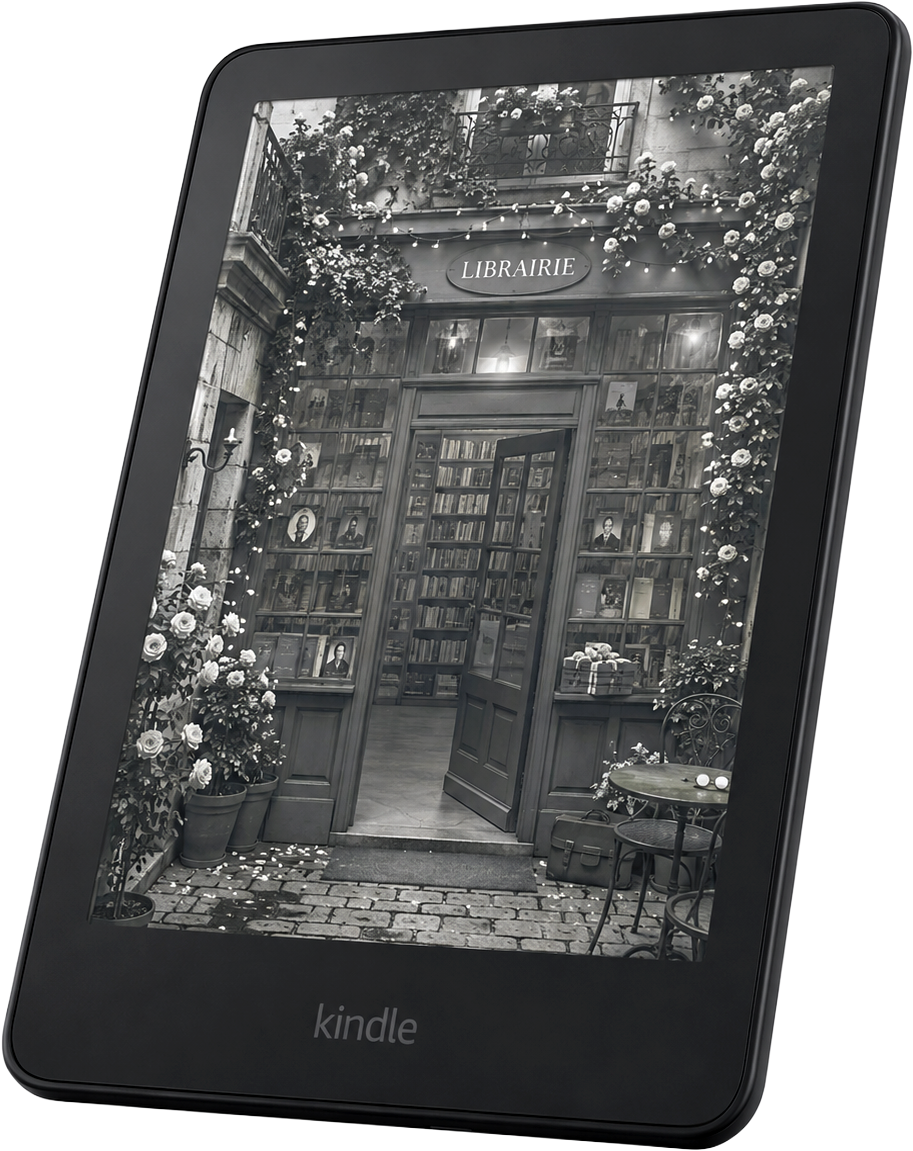
THE GENERATOR
Make your lock screen
1 · UPLOAD AN IMAGE
2 · CHOOSE YOUR KINDLE
Kindle
Kindle Paperwhite
Kindle Oasis
Kindle Scribe
Kindle Colorsoft
Specifications are cross-referenced from reviews and secondary sources.
Not sure which Kindle you have? Check Settings → Device Options on your Kindle, or see our guide to identifying your Kindle.
3 · POSITION YOUR IMAGE
Or drag the image in the preview to reposition it.
LIVE PREVIEW
will appear here
preview
Downloads as my-kindle-lock-screen.epub
What Show Covers on Lock Screen actually does
Kindle doesn’t have a normal custom-wallpaper setting. Instead, many Kindles have a feature called Show Covers on Lock Screen. When it’s turned on, your Kindle displays the cover of whichever book you opened most recently, every time the screen sleeps. That’s the entire feature: no gallery, no rotation, no picker, just the most recent cover.
That’s also why a book cover shows up on your lock screen even if you never set a wallpaper. It isn’t decoration Amazon added. It’s the cover of your last-opened book, displayed automatically.
How CoverLock turns any image into a book cover
CoverLock doesn’t change what Show Covers on Lock Screen does. It gives that feature a book to show. Upload any photo, artwork, or design, and CoverLock builds a small EPUB file with your image as its cover, sized exactly for your Kindle’s screen. Open that file once, and it becomes the most recently opened book Show Covers on Lock Screen displays.
Nothing is uploaded anywhere. The image is cropped, positioned, and packaged into the file entirely in your browser.
Wallpaper versus book cover
On a phone, a custom lock screen is a permanent setting: pick an image once and it stays. Kindle doesn’t offer that. What it offers is this book-cover mechanism instead.
Wallpaper
Persistent custom image
Not supported as a native Kindle feature
CoverLock
Custom image used as a book cover
Shown through Kindle’s Show Covers on Lock Screen feature
ONE THING TO KNOW
Why your lock screen can change back
Kindle displays the cover of whichever book you opened most recently. If you open another book, its cover can replace your CoverLock image on the lock screen. To bring your custom image back, reopen your CoverLock file before putting your Kindle to sleep again.
Common questions
What is the Kindle book cover lock screen?
It’s not a separate feature. Kindle’s Show Covers on Lock Screen setting displays the cover of whichever book you opened most recently whenever your device sleeps. People call that a “book cover lock screen” because that’s exactly what shows up.
Can I use my own photo instead of an actual book cover?
Yes. CoverLock builds a small ebook file using your photo, artwork, or design as its cover. Once you open that file on your Kindle, it becomes the “most recently opened book,” so your image is what Show Covers on Lock Screen displays.
Why does my Kindle show a random book cover on the lock screen?
Kindle isn’t choosing randomly. It’s always showing the cover of whichever book you read last. If that looks random, it’s probably because you opened something else since you last used CoverLock’s file.
Does this work the same way on every Kindle?
The mechanism is the same everywhere: Show Covers on Lock Screen has to be available and turned on. Whether a specific model and firmware support it is something we haven’t verified device by device yet. See our compatibility guide for what we do and don’t know.
Ready to make yours?
Upload any photo, artwork, or design and we’ll size it to become your Kindle’s next book cover.
Create My Book Cover Lock Screen