GETTING STARTED
How to Change Your Kindle Lock Screen
Kindle doesn’t have a true custom-wallpaper setting. It has a book-cover display feature, and CoverLock puts that to work for you. Here’s the whole process, and where its limits are.
Create My Kindle Lock Screen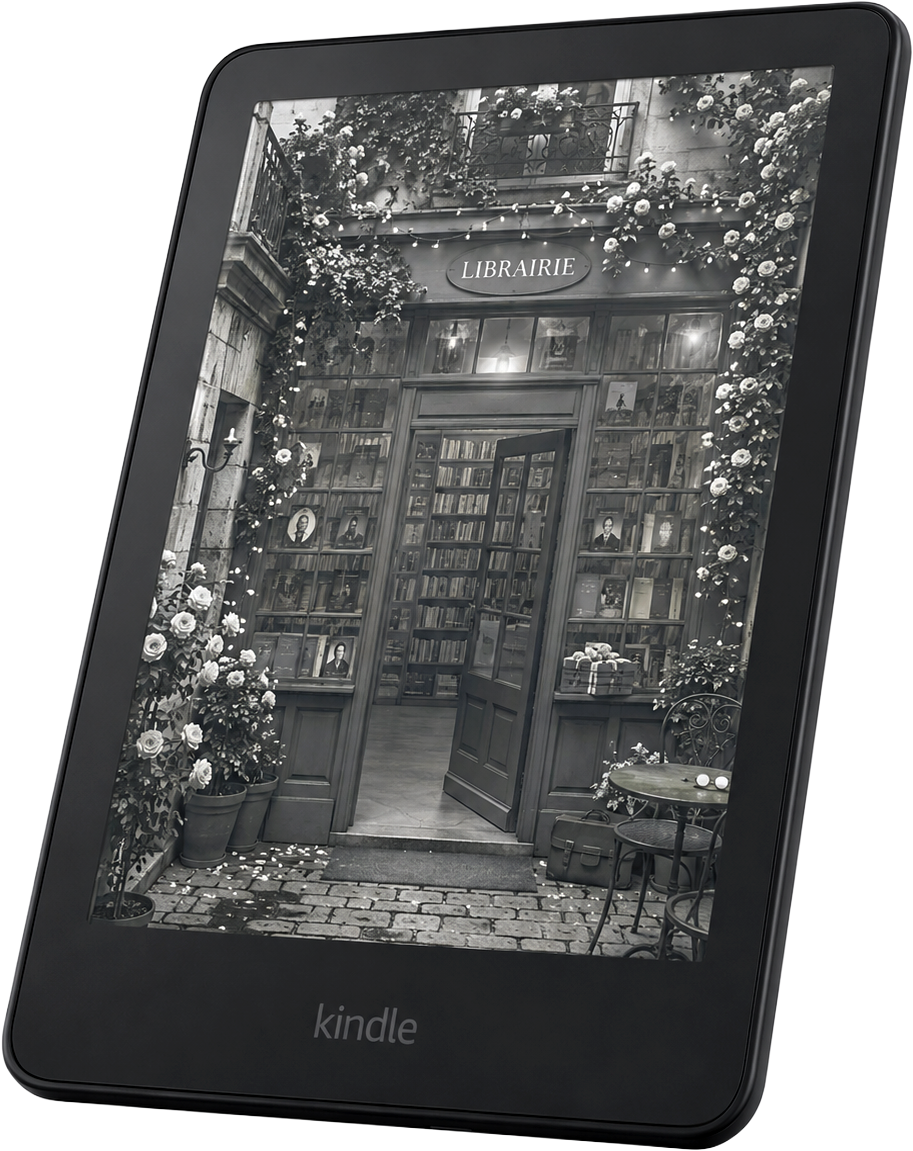
Wallpaper versus book cover
Kindle doesn’t offer a permanent custom-wallpaper setting the way a phone does. Instead, Amazon’s Show Covers on Lock Screen feature displays the cover of whichever book you most recently opened, and CoverLock turns your image into that book cover. See our Kindle book cover lock screen guide for the full explanation of how that feature works.
How to put a custom image on your Kindle lock screen
- 01
Choose or create the image you want to use.
- 02
Use CoverLock to size it correctly for your specific Kindle.
- 03
Create the Kindle-ready file.
- 04
Send the file to your Kindle using Amazon’s Send to Kindle.
- 05
Open the file once on your Kindle.
- 06
Go to your Kindle’s Screen and Brightness settings and make sure “Show Covers on Lock Screen” is enabled.
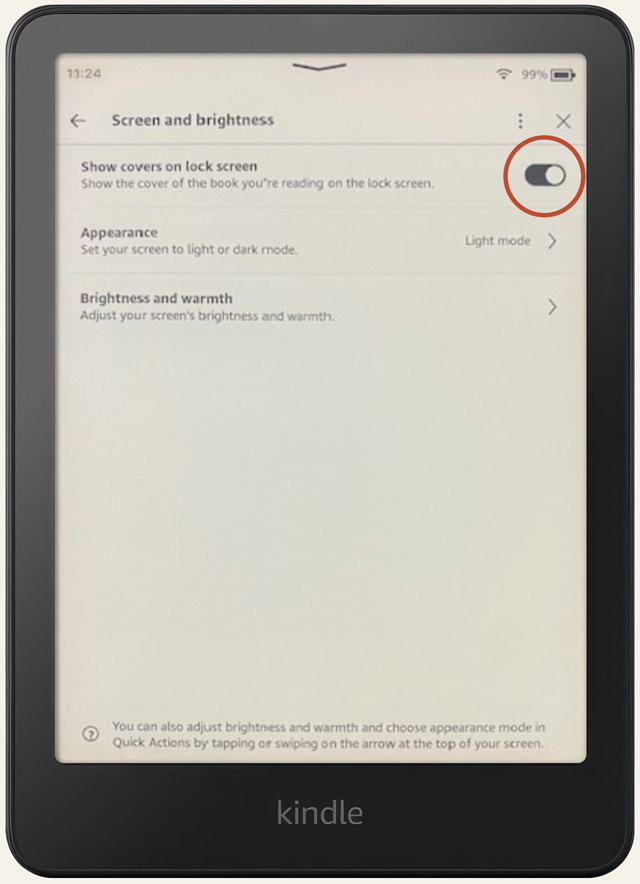
On supported Kindles, enable Show Covers on Lock Screen under Screen and Brightness.
One thing to know before you rely on this: your lock screen can revert to a different cover. See why that happens and how to bring your image back.
What CoverLock can and cannot do
CoverLock:
- Creates a correctly sized Kindle-ready file
- Uses Amazon’s existing Show Covers on Lock Screen behavior
- Helps you turn your own image into a book cover that can appear on the lock screen
CoverLock does not:
- Install a persistent Kindle wallpaper
- Bypass Amazon restrictions
- Remove Special Offers or ads
- Enable Show Covers on Lock Screen on unsupported devices
Common questions
Why did my lock screen change back to a different cover?
Kindle displays the cover of whichever book you opened most recently. If you read something else, reopen your CoverLock file before your Kindle sleeps again to bring your image back.
Will this work if my Kindle shows Special Offers ads?
Devices with Special Offers may show an ad on the lock screen instead of a book cover. That’s controlled by Amazon’s ad setting, not by CoverLock.
Ready to make yours?
Upload any photo, artwork, or design and we’ll size it for your Kindle.
Create My Kindle Lock Screen